Map workspace settings to operations
This page maps key OXVO admin settings to operational outcomes.
Where to find it
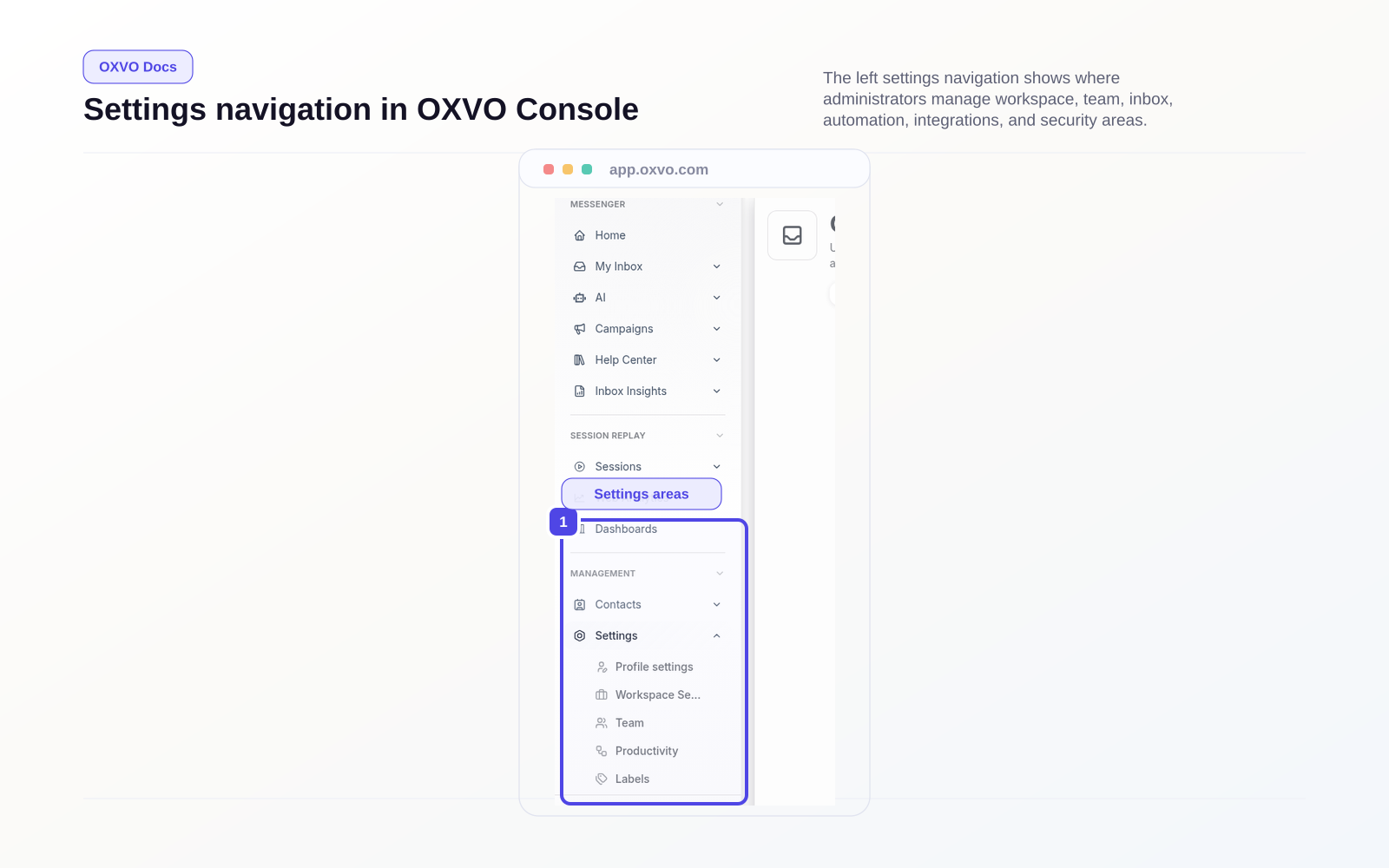
Open Settings in the main app navigation.
When to use it
Use this map during initial rollout, quarterly governance reviews, and before major workflow changes.
Core settings areas
- Account settings (Open Account Settings)
- Agents and teams (Open Team Management)
- Inboxes and channels (Open Channels)
- Automation and macros
- Labels and custom attributes
- Integrations and developer tools (Open Integrations Apps, Open Developer Bots)
- Security settings (Open Security Settings)
- Reports and SLA (if enabled)
Suggested setup order
- Account defaults
- Inboxes/channels
- Team structure and permissions
- Automation baseline
- Integrations
- Security hardening
Tips and edge cases
- Keep naming conventions consistent for inboxes and teams.
- Review inactive or duplicate automations monthly.
- Restrict admin rights to operational owners.