Create and manage custom roles
Custom roles let you grant precise permissions instead of assigning full administrator access.
Build a role
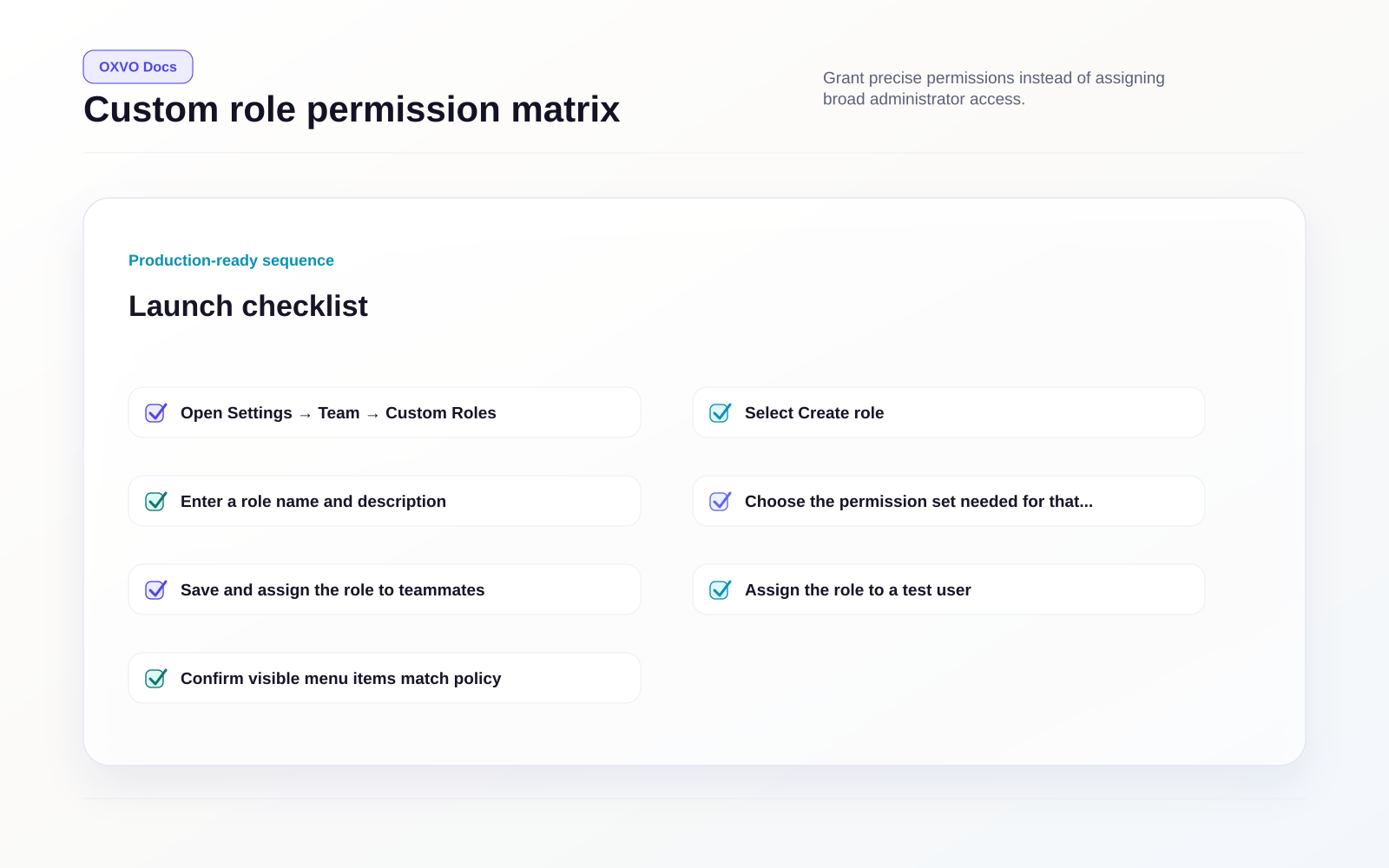
- Open Settings → Team → Custom Roles.
- Select Create role.
- Enter a role name and description.
- Choose the permission set needed for that job function.
- Save and assign the role to teammates.
Permission design principles
Use these rules for safer access control:
- Grant minimum required permissions.
- Separate operational roles from configuration roles.
- Keep sensitive settings limited to trusted admins.
- Review role assignments on a fixed schedule.
Typical role patterns
- Support Agent Lead: conversation controls, reporting access, no billing/admin config.
- QA Specialist: conversation review plus selected analytics access.
- Operations Analyst: reporting and workflow visibility without user-management permissions.
Validate role behavior
Before broad rollout:
- Assign the role to a test user.
- Confirm visible menu items match policy.
- Attempt restricted actions to verify denial behavior.
- Adjust permissions and retest.
Warning: Do not use administrator role as a shortcut when a narrower custom role can solve the same need.
Related setup guides