Sessions overview
OXVO Sessions is managed from OXVO Console for replay analysis, live assistance, and behavior analytics.
What You Can Do
- Investigate session replays tied to support issues
- Use live assist workflows
- Monitor dashboards and alerts
- Inspect activity/events for product behavior trends
- Manage replay/session settings and installation status
Navigation
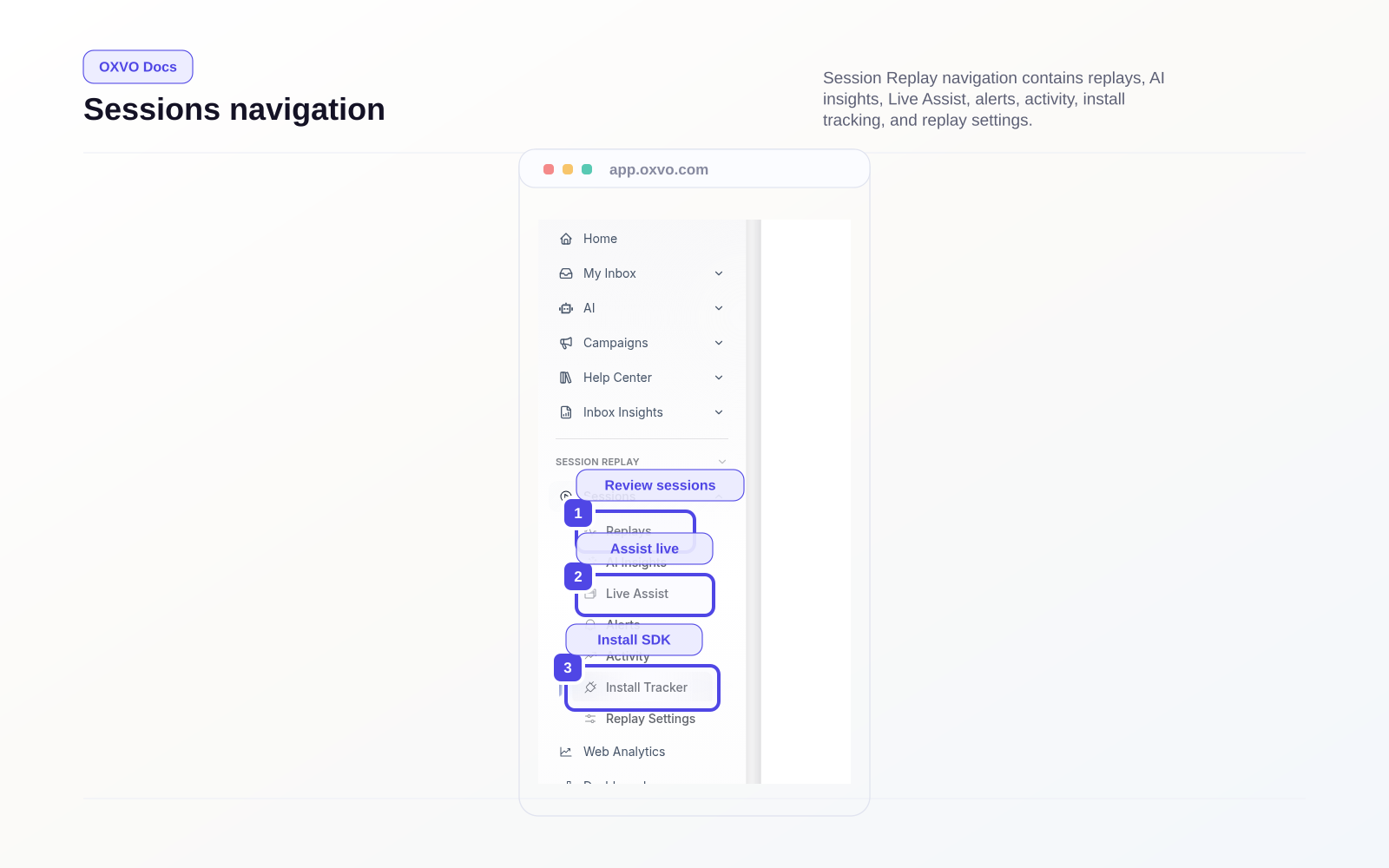
In the Console sidebar, Session Replay includes:
- Replays: Open Replays
- AI Insights: Open AI Insights
- Live Assist: Open Live Assist
- Dashboards: Open Dashboards
- Alerts: Open Alerts
- Events / Activity: Open Events and Activity
- Install Tracker: Open Install Tracker
- Replay Settings: Open Replay Settings
- Sessions account settings: Open Sessions Account Settings
Menu visibility depends on role and permissions.
Permissions Model
Common permission groupings in custom roles:
- Session Replay
- Dashboards (metrics)
- Assist (Live/Call)
- Data management
- Session Replay Admin
Architecture Notes
OXVO Sessions is embedded in Console through an authenticated iframe flow using workspace account context.
Note: If Sessions URL or auth bridge configuration is missing, Session Replay screens will not load.