Install Sessions capture
This guide helps you capture usable session data for replay and analysis.
Prerequisites
- OXVO Sessions module is visible in the sidebar.
- Your account has required Sessions permissions.
- Target website or app where you want to capture sessions is identified.
Step 1: Open Install Tracker
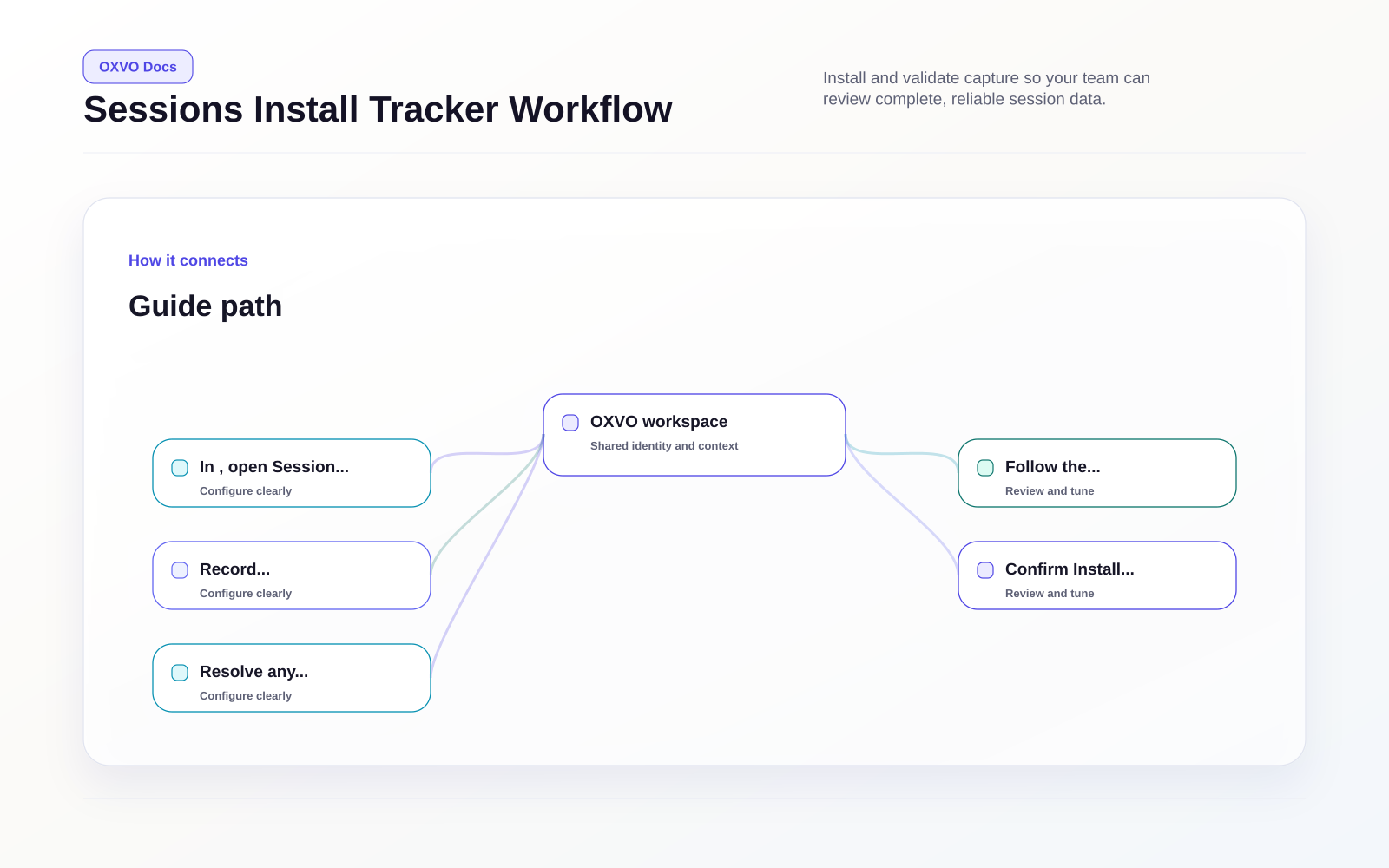
- In OXVO, open Session Replay → Install Tracker.
- Follow the installation workflow shown on the page.
- Record which environments are enabled.
Step 2: Confirm tracker connectivity
- Confirm Install Tracker shows connected status.
- Resolve any setup warning shown in the tracker before continuing.
- Confirm your user role can open Replays and Activity.
Install the OXVO Sessions snippet
Depending on your stack:
- Add capture code in your frontend entrypoint or layout template.
- Release the change to the target website or app.
- Generate a few test sessions.
If your organization uses strict privacy defaults, configure masking rules before broad rollout.
Verify session capture
- Run a real user journey (for example: pricing page -> signup -> checkout).
- Trigger at least one event expected by your team.
- Confirm the session appears in Replays.
Warning: Keep test and live traffic clearly labeled to avoid noisy investigations.