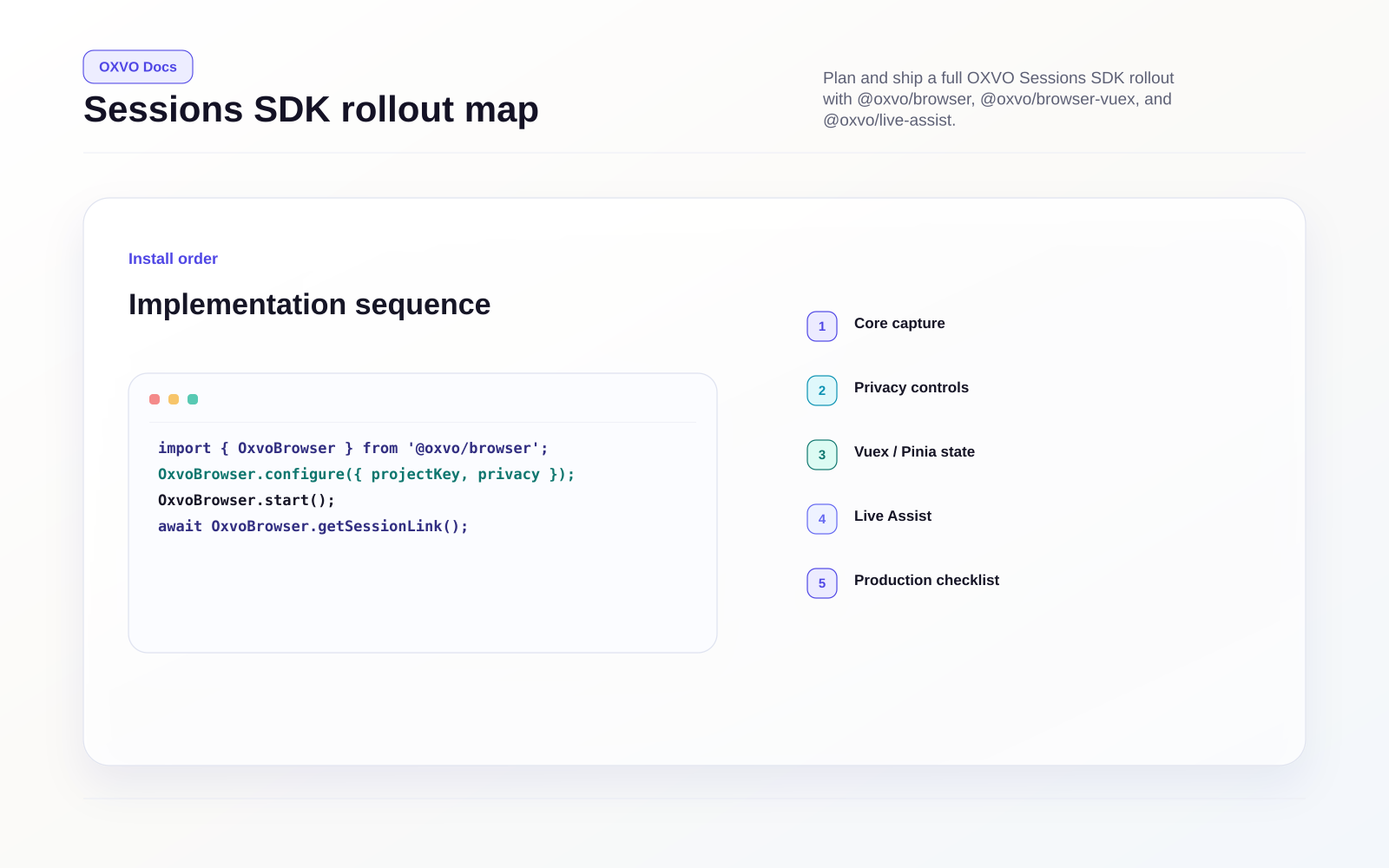
Sessions SDK quick map
Use this section to implement browser capture, application-state visibility, and live assist workflows in one consistent rollout.
Choose your package set
| Package | Purpose | Typical owner |
|---|---|---|
@oxvo/browser | Core browser session capture SDK (replay, events, metadata, network, privacy controls) | Frontend platform / web team |
@oxvo/browser-vuex | Vuex and Pinia state instrumentation plugin | Frontend feature teams |
@oxvo/live-assist | Real-time assist plugin for co-browsing, remote control requests, and calls | Support engineering / operations |
Rollout order that works in production
- Install and validate
@oxvo/browserin one environment. - Add privacy and network controls before broad traffic rollout.
- Layer
@oxvo/browser-vuexonly for stores where state context is operationally useful. - Enable
@oxvo/live-assistwith consent messaging and role-based access rules. - Run a pre-release checklist for capture quality, permissions, and failure handling.
Read this section in sequence
- Install and capture your first browser session
- Install with a direct script tag
- Control lifecycle and runtime APIs
- Tune privacy, performance, and capture scope
- Track Vuex and Pinia state
- Enable live assist
- Run the production checklist and troubleshoot
Tip: Start with one staging project key and one production project key. Keep rollout controls independent per environment.