Install with direct script tag
Use this guide when you want to install OXVO Sessions in plain HTML, server-rendered templates, CMS layouts, or environments without a frontend build pipeline.
Choose the right bundle
- Use
oxvosessions.jsfor core browser capture only. - Use
oxvosessions-live.jswhen you also need live assist support.
Example bundle URL pattern:
https://YOUR_HOST/assets/widget/17.1.6/oxvosessions.js
https://YOUR_HOST/assets/widget/17.1.6/oxvosessions-live.js
Note: Pin a fixed version (for example
17.1.6) in production so changes are controlled and testable.
Install the script tag snippet
<!-- OxvoSessions Capture for Acme Org -->
<script>
  (function(w,d,s,src){
    const ox = w.OxvoSessions = w.OxvoSessions || function(){(ox.q=ox.q||[]).push(arguments)};

    // Optional helpers available before SDK file is loaded.
    if (typeof ox === "function") {
      ox.setMetadata = (k, v) => ox('setMetadata', k, v);
      ox.track = (k, p) => ox('track', k, p);
    }

    ox('init', {
      siteKey: 'YOUR_SITE_KEY',
      endpoint: 'https://YOUR_HOST/oxvo',
      inputPrivacyMode: 0,
      maskTextNumbers: false,
      maskTextEmails: false,
      // devAllowInsecure: true, // local development only
    });

    ox('start', { userID: '' });

    const js = d.createElement(s);
    js.async = true;
    js.src = src;
    d.head.appendChild(js);
  })(window, document, 'script', 'https://YOUR_HOST/assets/widget/17.1.6/oxvosessions-live.js');
</script>
What this snippet does
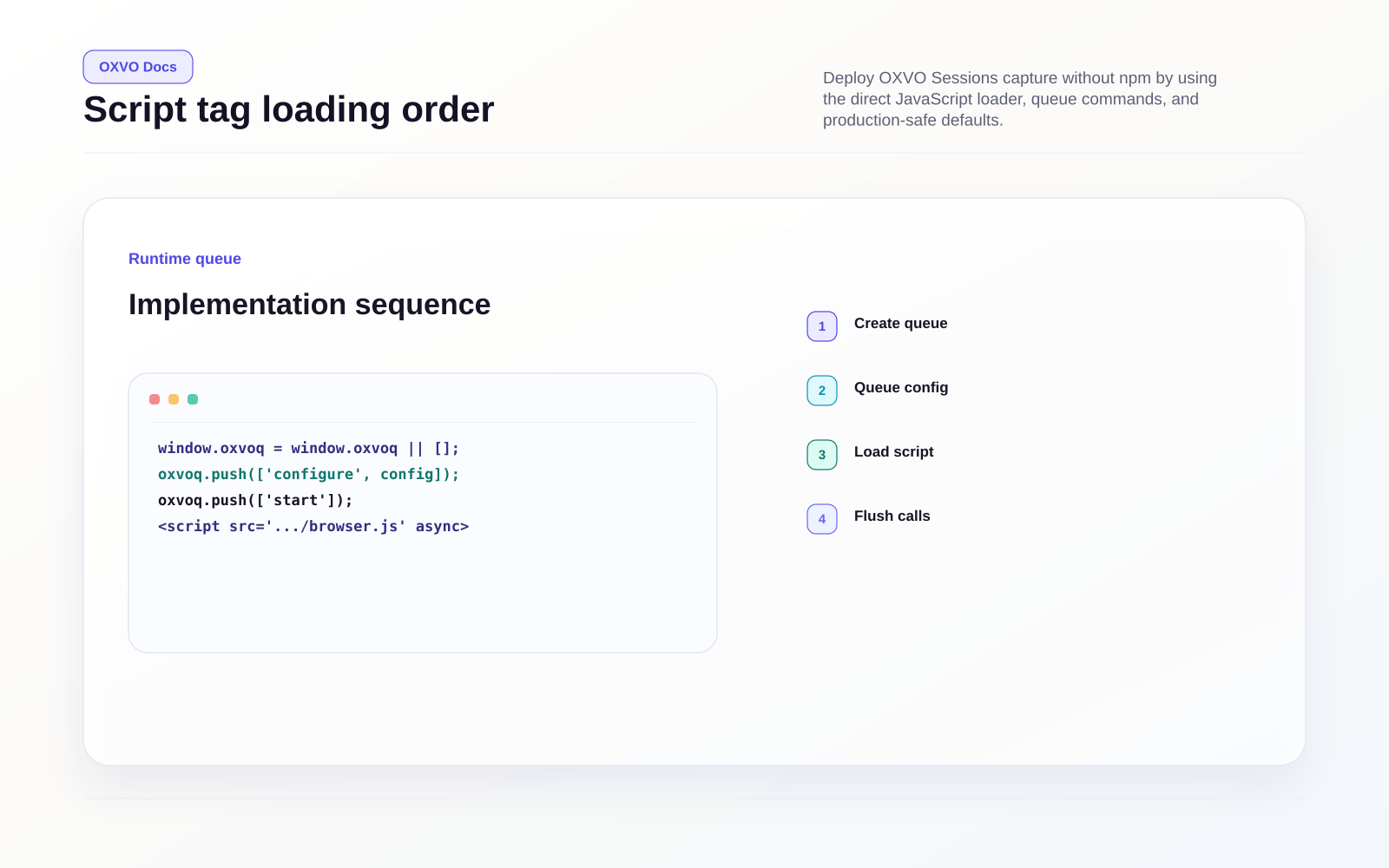
- Creates a queue function (
window.OxvoSessions) before the SDK is downloaded. - Queues
initandstartcommands immediately. - Loads the SDK file asynchronously.
- Replays queued commands in order after SDK initialization.
Queue command reference
You can enqueue commands before the script file loads, or call methods directly after it initializes.
| Command | Purpose | Example |
|---|---|---|
init / config / configure | Set SDK options | ox('init', { siteKey: 'abc' }) |
start | Start capture | ox('start', { userID: 'user_42' }) |
stop | Stop current capture | ox('stop') |
identify / setUserID | Set authenticated user identity | ox('identify', 'user_42', { plan: 'pro' }) |
visitor / setVisitorID / setUserAnonymousID | Set anonymous visitor ID | ox('setVisitorID', 'anon_123') |
setMetadata | Add metadata for filtering and search | ox('setMetadata', 'environment', 'production') |
track / event | Send custom event | ox('track', 'checkout_started', { step: 'shipping' }) |
report / issue | Send issue-style signal | ox('report', 'payment_error', { code: 'card_declined' }) |
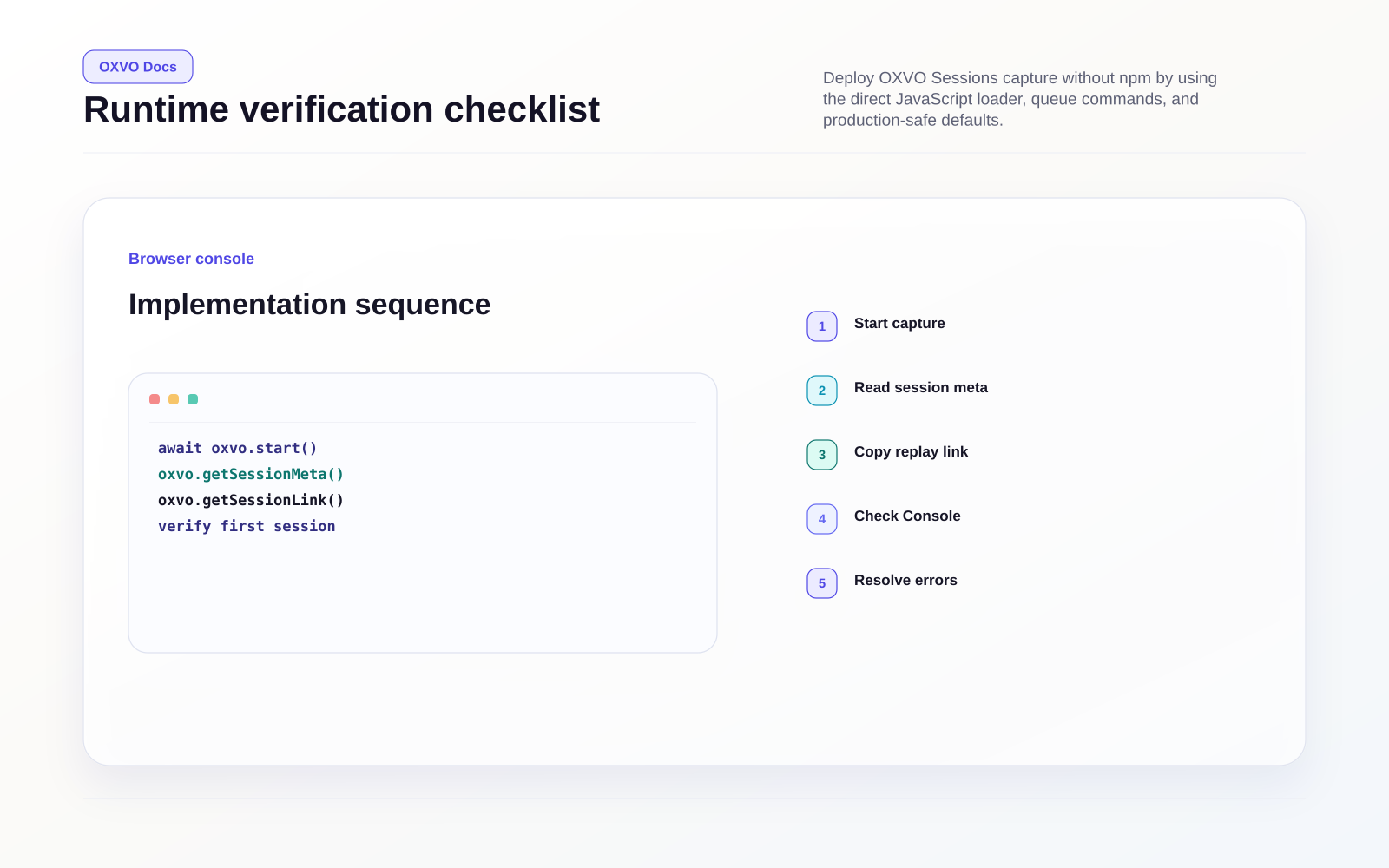
After SDK load, window.OxvoSessions becomes the runtime browser SDK instance, so runtime methods such as getSessionLink() are available directly.
Verify capture end to end
- Open your site in a clean browser tab.
- Complete a short user flow.
- In browser devtools, run:
const link = window.OxvoSessions?.getSessionLink?.();
console.log('Replay URL:', link);
- Confirm replay shows interactions and metadata.
Tip: If
getSessionLink()is undefined, wait for the script to finish loading and verify the script URL is reachable.
Production hardening checklist
- Use HTTPS for both site and SDK asset URLs.
- Keep
siteKeyandendpointenvironment-specific. - Keep
devAllowInsecuredisabled outside local development. - Apply privacy options (
inputPrivacyMode, text masking, DOM attributes) before broad rollout. - Validate CSP allows your SDK asset host and ingestion endpoint.
- Version-pin bundle URLs and release through staged environments.
Common issues
| Symptom | Likely cause | Fix |
|---|---|---|
| No session data appears | Wrong siteKey or blocked endpoint | Validate siteKey, endpoint routing, and request status |
| Script does not load | Invalid URL, blocked host, or mixed content | Serve asset over HTTPS and verify URL/path/version |
start fails on secure site | Endpoint mismatch or service unavailable | Use correct /oxvo endpoint and check backend availability |
| Replay is too redacted or too open | Privacy settings are not tuned | Adjust inputPrivacyMode, masking flags, and DOM attributes |