Install @oxvo/browser and capture your first session
This guide gets @oxvo/browser live with a production-safe baseline.
Before you install
- You have a valid
siteKeyfor the target environment. - Your app can reach the Sessions ingestion endpoint.
- Your site runs on HTTPS in production.
Note: By default, the SDK uses
https://api.oxvo.com/oxvo. Setendpointonly when your environment requires a custom host.
Install the browser SDK
Tip: Need a no-build path for static templates or CMS pages? Use Install with direct script tag.
npm i @oxvo/browser
Install the OXVO Sessions snippet in your app shell
Use one of the two supported initialization styles.
Option A: Singleton style (recommended for large apps)
import { browser } from '@oxvo/browser';

browser.configure({
  siteKey: 'YOUR_SITE_KEY',
  endpoint: 'https://sessions.example.com/oxvo', // optional if you use the default OXVO endpoint
  devAllowInsecure: false,
});

const result = await browser.start({
  userID: 'user_42',
  metadata: {
    plan: 'pro',
    environment: 'production',
  },
});

if (!result.success) {
  console.error('Session capture not started:', result.reason);
}
Option B: Class instance style (recommended for library wrappers)
import Browser from '@oxvo/browser';

const browser = new Browser({
  siteKey: 'YOUR_SITE_KEY',
  endpoint: 'https://sessions.example.com/oxvo',
  devAllowInsecure: true, // set true only for local development
});

const result = await browser.start({
  userID: 'user_42',
  metadata: {
    plan: 'pro',
    environment: 'staging',
  },
});

if (!result.success) {
  console.error(result.reason);
}
Verify session capture
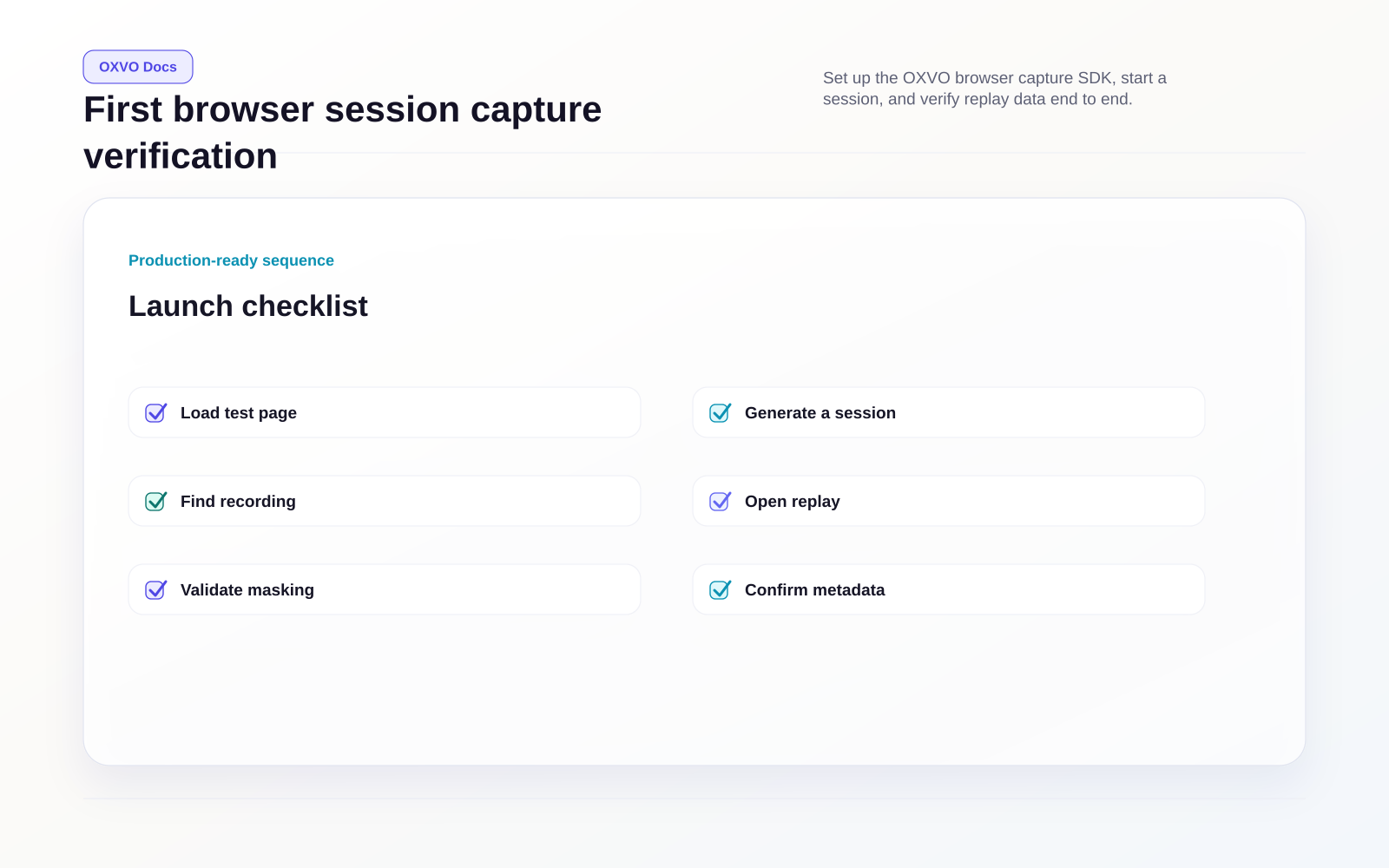
- Load your app in a new browser tab.
- Complete a short flow (for example: landing page -> product page -> checkout step).
- Confirm
result.success === truefromstart(). - Open the session URL from the SDK:
const replayUrl = browser.getSessionLink();
console.log('Replay URL:', replayUrl);
- Confirm events and user interactions are visible in the replay timeline.
Warning: If you call
browser.start()on the server (SSR runtime), capture will fail. Start only after client mount.