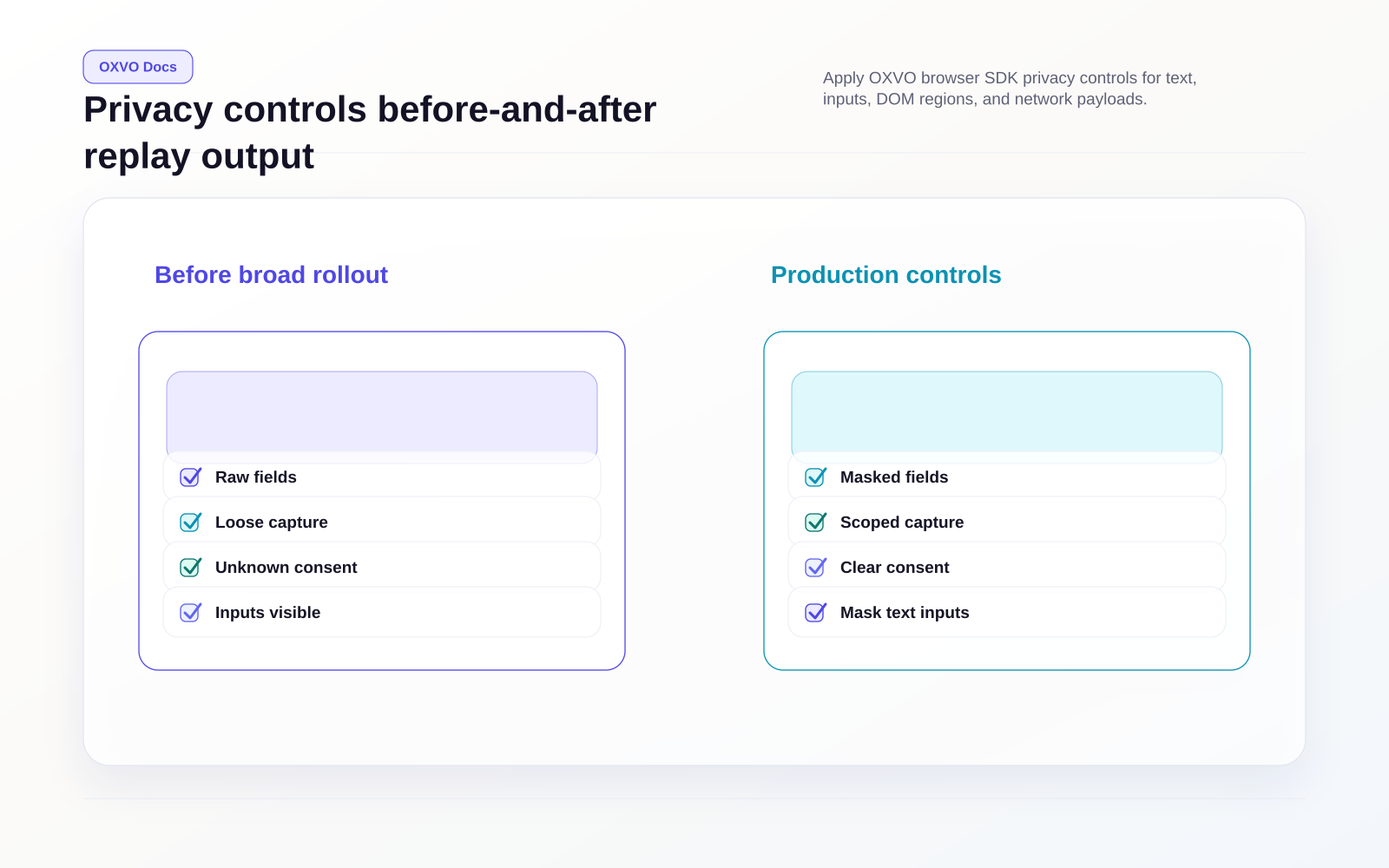
Configure capture controls and privacy
Use this guide to tune replay fidelity while protecting sensitive data.
Start from a safe baseline
import { browser } from '@oxvo/browser';

browser.configure({
  siteKey: 'YOUR_SITE_KEY',
  maskTextEmails: true,
  maskTextNumbers: true,
  inputPrivacyMode: 1,
  networkCapture: {
    enabled: true,
    captureBodies: false,
    ignoreHeaders: ['cookie', 'set-cookie', 'authorization'],
  },
});
This configuration keeps capture useful while reducing sensitive payload exposure.
Control input and text masking
maskTextEmails: masks email-looking text nodes.maskTextNumbers: masks numeric characters in text nodes.inputPrivacyMode: controls input value masking behavior.
browser.configure({
  siteKey: 'YOUR_SITE_KEY',
  maskTextEmails: true,
  maskTextNumbers: false,
  inputPrivacyMode: 1,
});
Use stricter settings on auth, billing, and healthcare flows.
Mark sensitive DOM regions with attributes
Use element-level controls directly in markup:
<div data-oxvosessions-hidden>
  Entire block is hidden from replay output
</div>

<div data-oxvosessions-obscured>
  Visible shape is kept, text is masked
</div>

<input data-oxvosessions-obscured />
data-oxvosessions-hidden: remove subtree content from replay rendering.data-oxvosessions-obscured: keep layout, mask textual details.
Use private-by-default mode
For high-sensitivity applications, mask all DOM by default and opt-in safe regions:
browser.configure({
  siteKey: 'YOUR_SITE_KEY',
  maskAllByDefault: true,
});
Then selectively unmask safe elements:
<section data-oxvosessions-unmask>
  Product catalog content safe for replay
</section>
Warning:
maskAllByDefaultcan reduce debugging value if you do not explicitly unmask key UI areas.
Apply rule-based DOM sanitization
Use domSanitizer when you need deterministic masking by selector, role, or class:
import { browser, SanitizeLevel } from '@oxvo/browser';

browser.configure({
  siteKey: 'YOUR_SITE_KEY',
  domSanitizer: node => {
    if (node.matches('.payment-card, .ssn, [data-pii]')) {
      return SanitizeLevel.Obscured;
    }
    if (node.matches('.security-answer, .secret-token')) {
      return SanitizeLevel.Hidden;
    }
    return SanitizeLevel.Plain;
  },
});
SanitizeLevel.Hidden is stricter than Obscured and should be used for irreversible secrets.
Tune network payload capture
browser.configure({
  siteKey: 'YOUR_SITE_KEY',
  networkCapture: {
    enabled: true,
    captureBodies: false,
    failuresOnly: false,
    sessionTokenHeader: 'X-OXVO-Session',
    ignoreHeaders: ['cookie', 'set-cookie', 'authorization'],
  },
});
Recommended defaults:
- Keep
captureBodies: falseunless you have explicit approval. - Keep auth/session headers in
ignoreHeaders. - Prefer endpoint-level sanitization over broad body capture.
Privacy verification checklist
- Trigger a full critical user journey in staging.
- Confirm replay visibility for layout and interactions.
- Confirm secrets are masked or hidden in replay.
- Confirm network payloads follow your redaction policy.
- Review with security/compliance before production rollout.