Set measurable SLA policies
SLA policies define response and resolution commitments so teams can prioritize conversations consistently.
Where to find it
Open the SLA policies page from Settings, or use the direct link.
Open directly: Open SLA Policies
When to use SLA policies
Use SLA policies when you need clear service commitments for:
- First response time
- Follow-up response time
- Resolution time
- Business-hours-only enforcement
Create an SLA policy
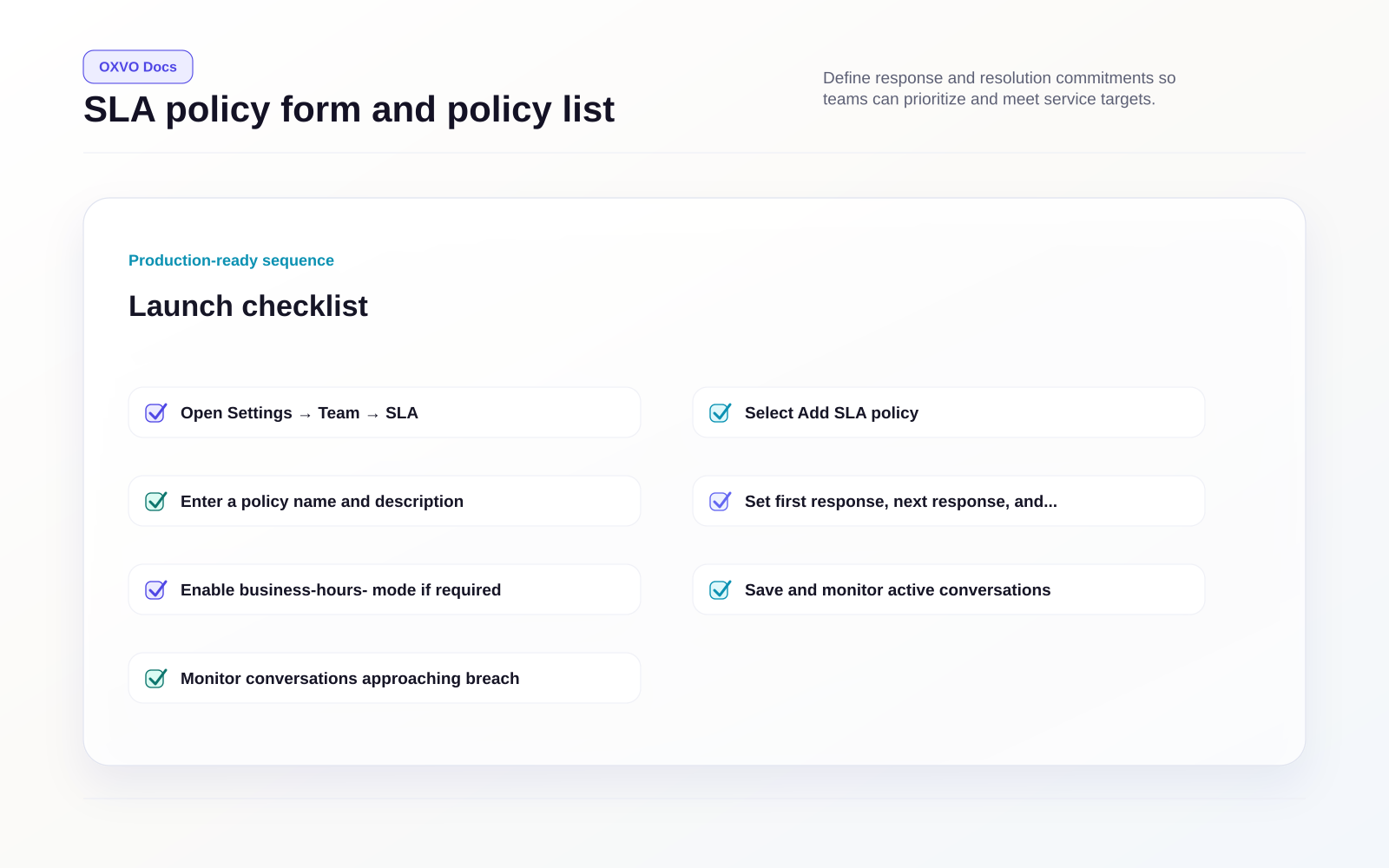
- Open the SLA policies page.
- Select Add SLA policy.
- Enter a policy name and description.
- Set first response, next response, and resolution thresholds.
- Enable business-hours-only mode if required.
- Save and monitor active conversations.
Daily SLA operating loop
- Monitor conversations approaching breach.
- Reassign at-risk conversations early.
- Use macros to keep customer updates consistent.
- Resolve or schedule follow-up before targets expire.
Common mistakes to avoid
- Setting targets that do not match staffing reality.
- Rolling out aggressive thresholds across every inbox at once.
- Hiding queue pressure by overusing snooze workflows.
Related guides