Configure workload limits
Use Workload Limits to protect agents and keep distribution healthy.
Open directly: Open Workload Limits
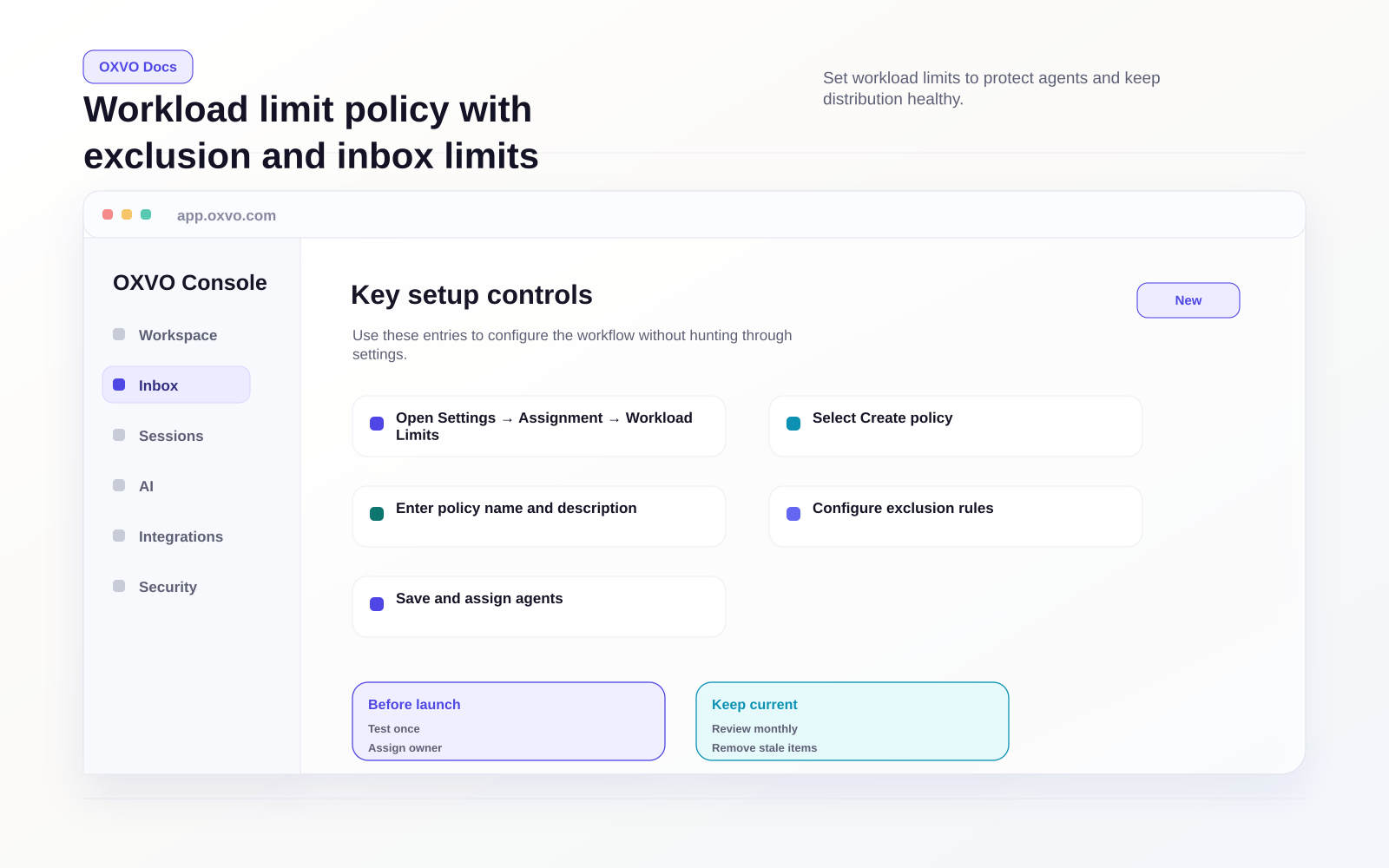
Create a workload limit policy
- Open the Workload Limits page.
- Select Create policy.
- Enter policy name and description.
- Configure exclusion rules.
- Save and assign agents.
Configure exclusion rules
Workload limit policies let you exclude conversations from limit counting by using:
- Labels to exclude specific conversation types
- Conversation age threshold (minimum 10 minutes, up to 999 days)
This helps ensure edge-case or legacy conversations do not distort active workload balancing.
Assign agents to the policy
In edit mode, add or remove agents tied to the policy.
Use this to:
- Limit policy scope to the right teams
- Avoid applying one workload model to every agent
- Tune rollout incrementally
Set inbox-level workload limits
You can define max concurrent conversation limits per inbox in each policy.
- Add inbox limit rows from the inbox selector
- Set max conversation count for each inbox
- Update or remove limits as volume changes
Use inbox limits for channels with very different arrival patterns.
Tip: Start with conservative limits and adjust weekly based on actual queue behavior.
Related setup guides