Assignment and automation overview
OXVO supports manual assignment, policy-driven routing, and event-driven automations.
Where to find it
Open routing and workload limit controls from Settings. Open Automation rules for event-driven rules.
Open directly: Open Routing Rules | Open Workload Limits | Open Automation Rules
When to use it
Use this model when your team needs predictable ownership, faster first response, and fewer manual triage actions.
Set up your baseline
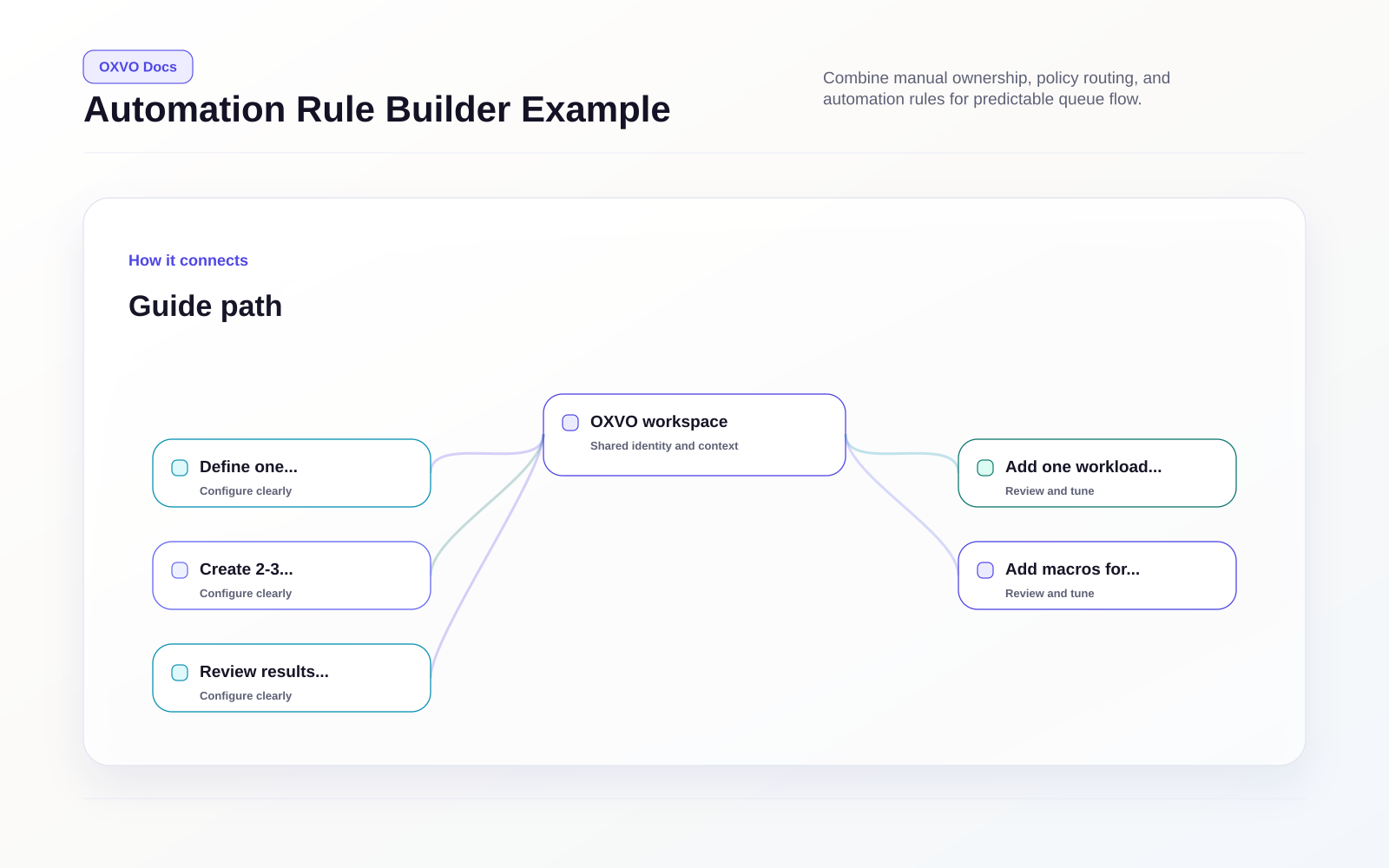
- Define one routing policy for your busiest inbox.
- Add one workload limit policy for workload safety.
- Create 2-3 automation rules for repetitive triage.
- Add macros for repeat agent actions that should stay manual.
- Review results weekly and tune before expanding.
Assignment controls
Use assignment controls to route work predictably:
- Assign to an agent for direct ownership.
- Assign to a team for pooled handling.
- Use inbox routing rule features for automatic balancing.
Automation rules
Automation rules run on conversation/message events.
Common conditions include:
- Inbox
- Status
- Assignee/team
- Priority
- Message content
- Labels
- Language and customer metadata
Common actions include:
- Assign agent/team
- Add or remove labels
- Send message or transcript
- Change status/priority
- Send webhook event
- Add attachment or private note
Macros vs automation
Macros are operator-triggered action bundles for repeat actions.
Use macros when:
- The action should be explicit (human-triggered), not automatic.
- You need predictable execution at reply time.
Use automations when the action should happen automatically from event conditions.
Tips and edge cases
Warning: Overlapping automations can create conflicting updates (for example, status flapping or repeated reassignment). Keep rules minimal and test with real conversations.