Integrations overview
Integrations extend OXVO with external systems, automation callbacks, and embedded workflows.
Where to find it
Open Settings → Integrations for Channels and Apps.
Open Settings → Developer for Webhooks, Bots, and Audit Logs.
When to use it
Use integrations when your team needs channel connectivity, app-level workflows, or backend event pipelines.
Integration surfaces
- Channels tab: Channel-level connectivity and configuration (Open Channels).
- Apps tab: Connected applications and provider-specific setup (Open Integrations Apps).
- Developer area: Bots, webhooks, and Audit Logs (Open Developer Bots, Open Developer Webhooks, Open Audit Logs).
Set up your integration baseline
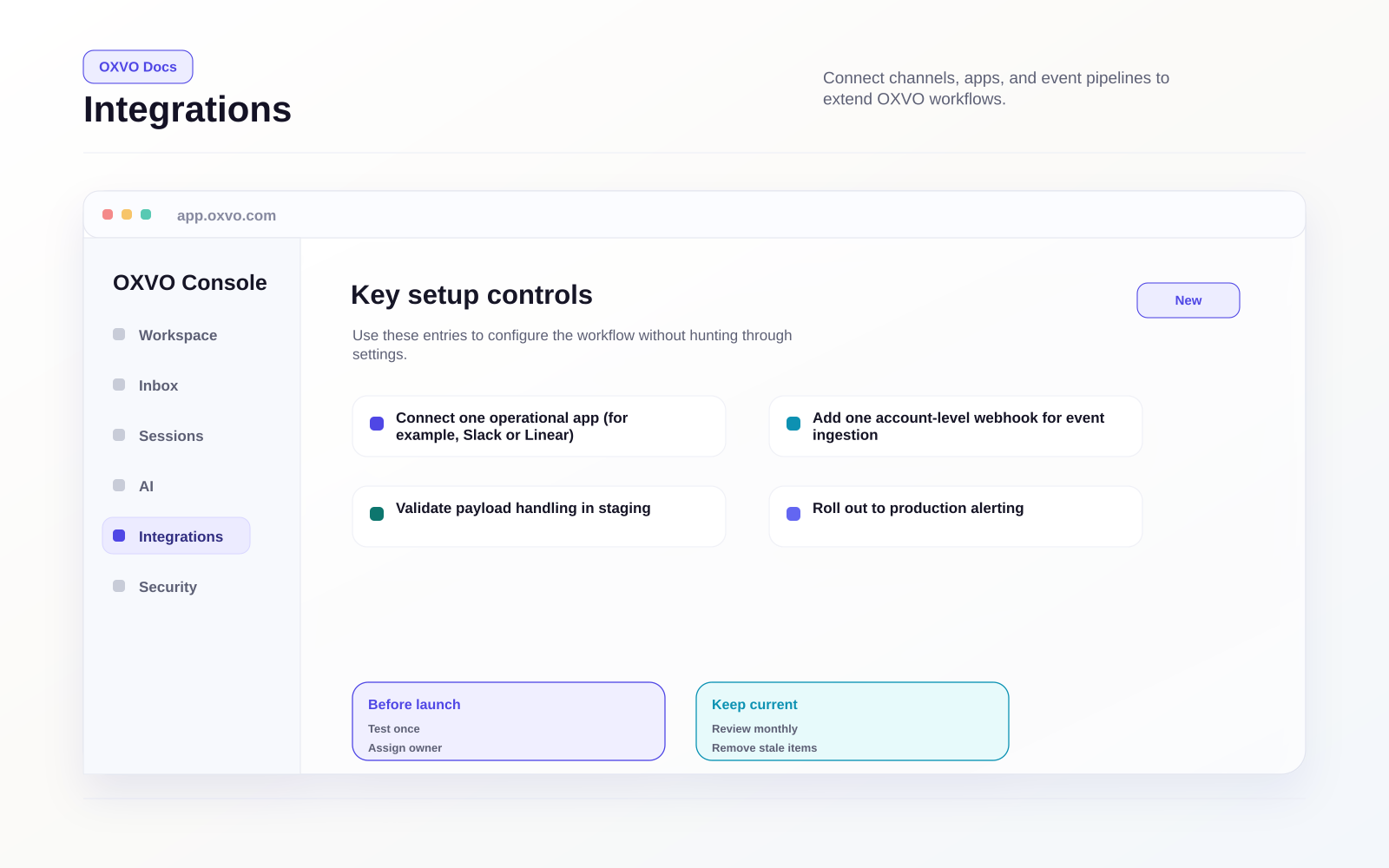
- Connect one operational app (for example, Slack or Linear).
- Add one account-level webhook for event ingestion.
- Validate payload handling in staging.
- Roll out to production with alerting.
For webhook setup, go directly to Open Developer Webhooks.
Integration categories
- Collaboration and ticketing tools
- CRM and commerce connectors
- AI and language tooling
- Custom dashboard apps
Tips and edge cases
Data contract discipline
For production reliability:
- Version your consumer logic for webhook payloads.
- Validate request signatures/auth where applicable.
- Use idempotent handlers for duplicate deliveries.
Tip: Start with a narrow event set, then expand after verifying downstream stability.