Developer bots
Developer bots let teams automate support workflows with controlled outbound logic.
Where to find it
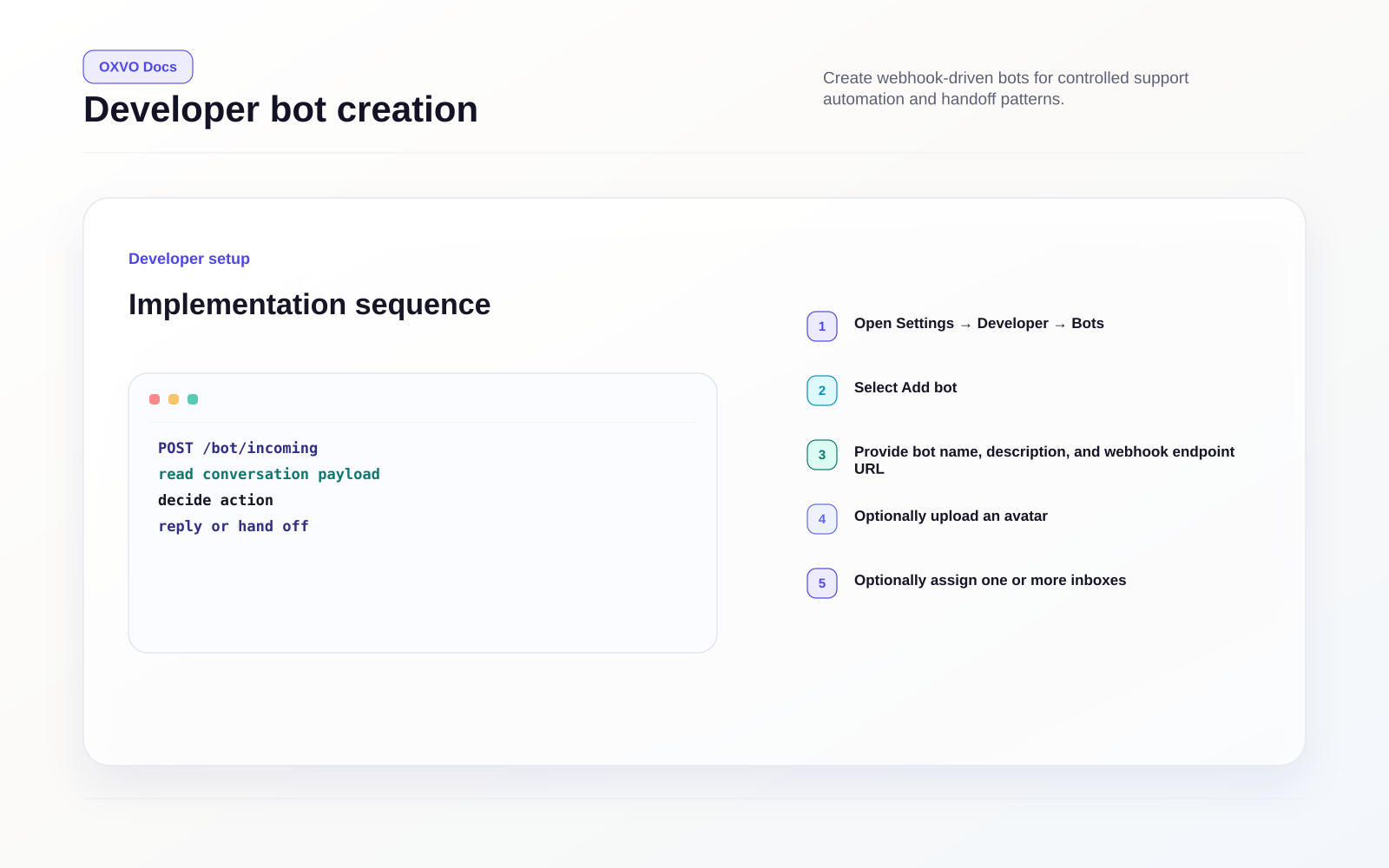
Open Settings → Developer → Bots, or use the direct link.
Open directly: Open Developer Bots
When to use bots
Use bots for structured automations such as:
- Handoff orchestration
- Enrichment from external systems
- Rule-based response actions
- Workflow control for specific inboxes
Create a bot
- Open the Developer bots page.
- Select Add bot.
- Provide bot name, description, and webhook endpoint URL.
- Optionally upload an avatar.
- Optionally assign one or more inboxes.
- Save and securely store the generated access token.
Access token handling
- Keep tokens server-side only.
- Rotate tokens immediately after exposure.
- Restrict token access to integration owners.
Warning: Never embed bot tokens in browser code or public repositories.
Related guides