Set custom attributes for customers and conversations
Custom attributes let you collect structured data on contacts and conversations so teams can filter, route, and automate with better context.
Open directly: Open Custom Attributes
Choose the right attribute model
Create attributes in one of two models:
- Conversation attributes for ticket-level context (for example, issue type, order stage).
- Contact attributes for person-level context (for example, customer tier, region).
Create an attribute
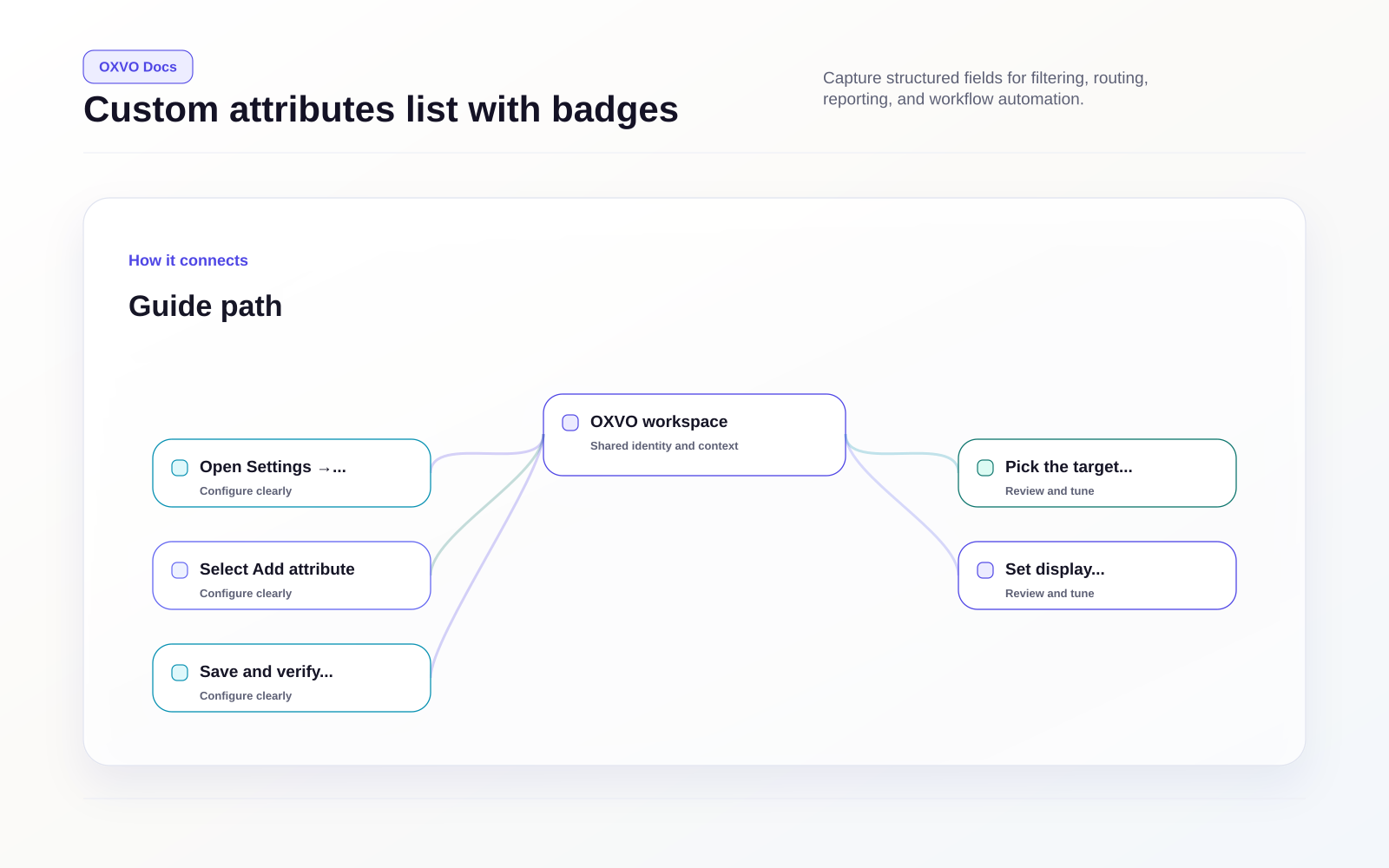
- Open the Custom Attributes page.
- Pick the target tab: conversation or contact.
- Select Add attribute.
- Set display name, description, type, and key.
- Save and verify it appears in the list.
Supported field types include text, number, date, checkbox, list, and link.
Configure validation and options
Depending on type, you can configure:
- List values for controlled input
- Regex validation and cues for text fields
- Consistent key naming for automation and API usage
Tip: Use stable, human-readable keys. Changing keys later can break filters and workflows.
Understand attribute badges
In the attributes list, badges can indicate:
- Pre-chat: used in Inbox pre-chat forms
- Resolution: required before resolving a conversation
These badges help you spot fields that directly affect frontline workflows.
Related setup guides