OXVO Documentation
OXVO is the full platform for teams that build apps, support customers, understand product behavior, and improve with AI.
Use these guides to move from first setup to daily operations: create apps with OXVO Builder, manage operations in OXVO Console, launch Inbox and Messenger, install Sessions, configure AI workflows, integrate your stack, and govern access securely.
Product names at a glance
- OXVO is the full platform.
- OXVO Builder is where teams create, import, preview, and publish apps.
- OXVO Console is where teams manage connected apps, chat, sessions, analytics, AI, integrations, teammates, and workspace settings.
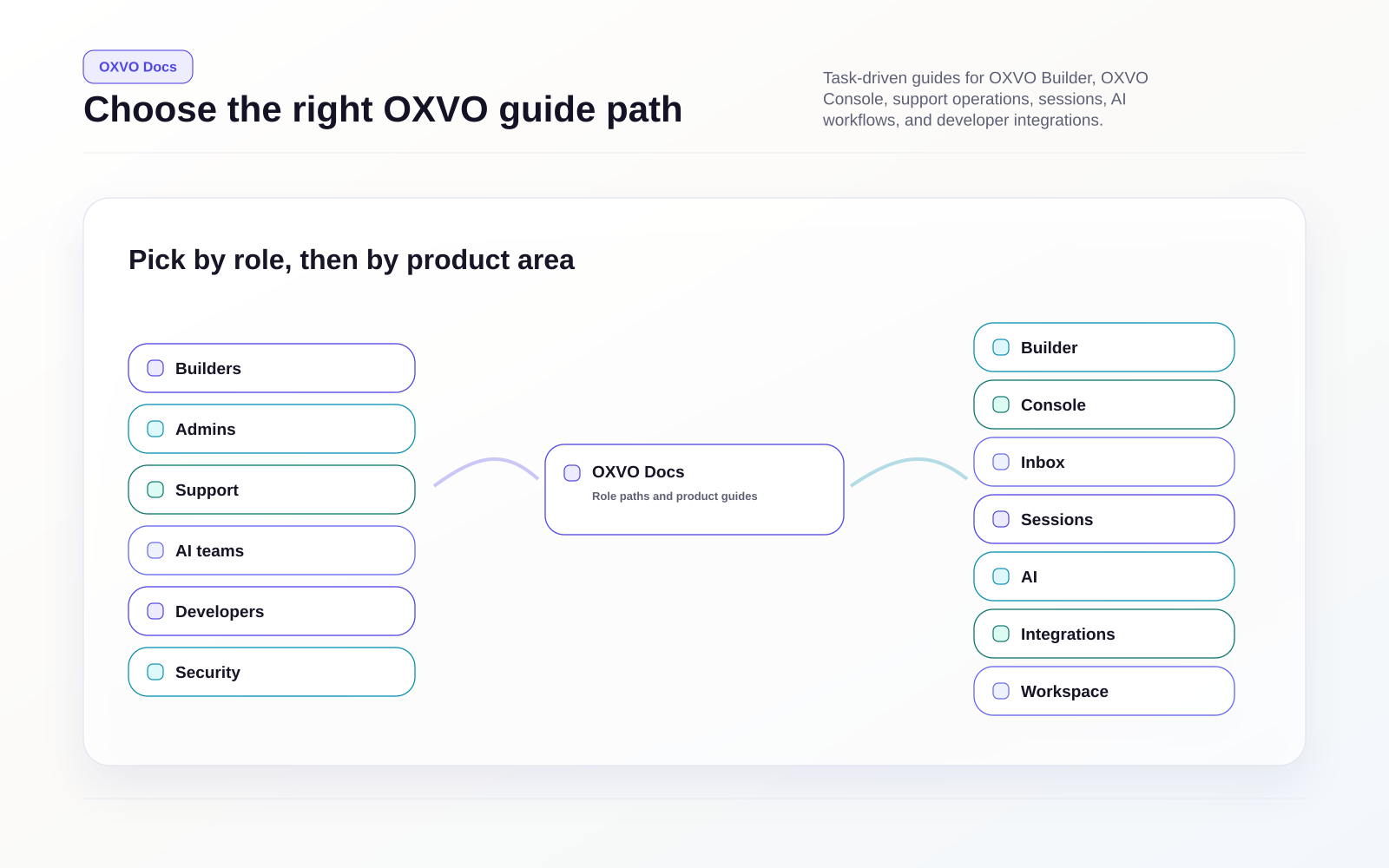
Choose your path
Builders and product teams
- OXVO Builder overview
- Quickstart: ship your first Builder app
- Create, import, and manage projects
- Build with AI Chat
- Review preview and visual editing tools
- Use Builder Cloud for backend features
- Publish and deploy Builder apps
Admins
- Quickstart: launch OXVO Console
- Create your workspace baseline
- Set permissions and roles
- Run the workspace operations checklist
Support teams
- Work conversations in Inbox view
- Understand the conversation lifecycle
- Use macros for faster, consistent replies
- Use canned responses
- Standardize conversation labels
- Set measurable SLA policies
Product and engineering
- Sessions overview
- Install Sessions capture
- Verify capture and investigate issues
- Use live assist
- Dashboards, alerts, and events
- Sessions SDK quick map
AI teams and operators
- AI in OXVO
- Build and manage AI Assistants
- Manage assistant knowledge data
- Connect external APIs with custom tools
- Build with AI Chat
Developers
- Developer API guide
- Developer webhooks
- Developer bots
- Messenger SDK overview
- Sessions SDK quick map
- OpenAPI Reference (Swagger)
Security and compliance
- Authentication and access controls
- Data handling and compliance controls
- Sessions privacy controls
- Create and manage custom roles
Browse by product area
- Getting started
- Builder
- Inbox & conversations
- Help center
- Customers & data
- Routing & SLAs
- Sessions
- AI
- Integrations
- Workspace administration
- Security & compliance
- Developers
- SDK
- Troubleshooting
- Glossary
API reference
- OpenAPI Reference (Swagger): /api
- Developer API guide